IPTV basics
IPTV EPG explained: a UK viewer’s guide
Learn what an electronic programme guide shows, why listings can be missing, and which app and device details to check.
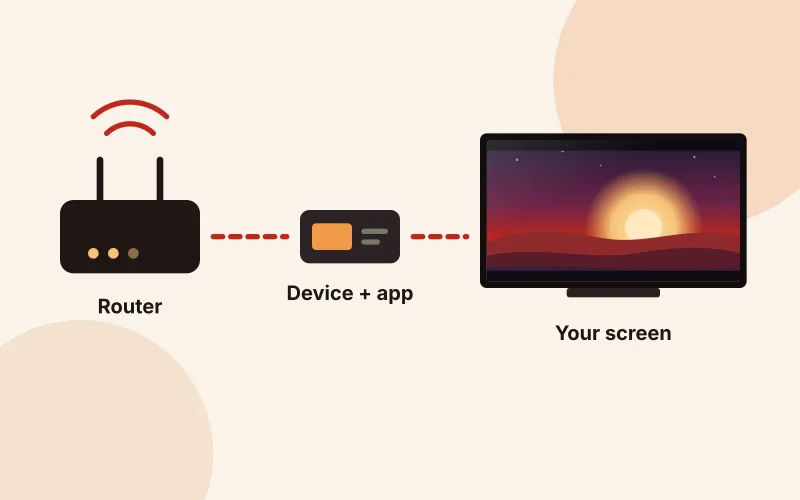
Quick answer
EPG means electronic programme guide. It is the schedule information shown beside a channel in a compatible player app. The listing comes from the app or service configuration, so the appearance and available details can vary.
What information does an EPG show?
A guide may show programme titles, start and end times, descriptions and the current programme. Some players show a timeline; others use a simple list. The guide is separate from the video itself: a channel can play even when programme data is missing or out of date.
Why might programme listings be missing?
- The player app has not loaded or refreshed its guide data.
- The selected channel does not have matching schedule information.
- The device date, time or time zone is incorrect.
- The app uses a different menu or update setting on your TV or streaming device.
Check the app’s own help instructions first. Avoid changing multiple settings at once; note what you changed so you can undo it.
What to check on your device
- Confirm the TV or streaming device has the correct date, time and time zone.
- Open the player’s guide or EPG menu and look for its refresh or reload option.
- Restart the app, then the device, if the schedule still looks stale.
- Check whether the same channel shows listings on another supported device, if available.
Menu names differ by app and device. See our device setup guides and Samsung and LG Smart TV setup guide.
Questions to ask before choosing a plan
Ask whether the channels you need have guide data, how the provider recommends refreshing it, which player apps and devices are supported, and where to get help if the schedule is blank. Compare the full UK IPTV plan totals and read the frequently asked questions before you decide.
EPG troubleshooting checklist
- Is the device clock correct?
- Have you refreshed the guide in the app?
- Does the problem affect one channel or the whole guide?
- Does video playback work while listings are missing?
- Can you share the device model, app name and a short description with support?
If video also buffers, use our Wi-Fi and Ethernet troubleshooting steps.
For Fire TV menus, use Amazon’s official Fire TV help and select the instructions for your device. App menus can change over time.
Related guides
All guides · Plans · Devices · Free trial
-
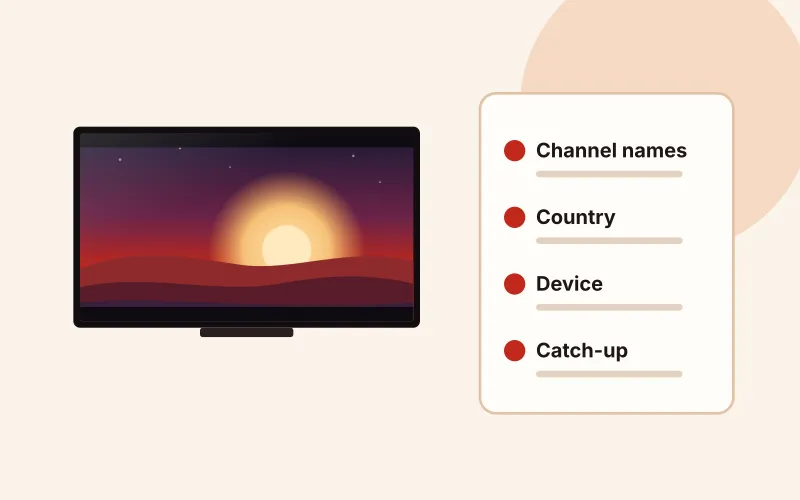
Best IPTV UK: How to Choose the Right Fit
A practical provider comparison checklist covering devices, plans, viewing needs and support. -
UK Streaming Services: Compare Viewing Options
Compare free live TV, broadcaster apps, on-demand subscriptions and IPTV by what you watch. -
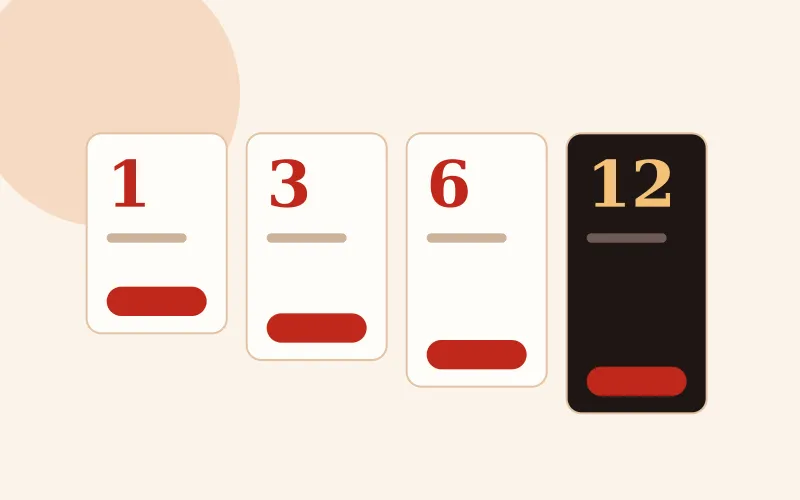
UK IPTV Monthly vs Annual Plans
Compare the full term totals and the monthly equivalent for each available plan.